
Beautiful, fun & opinionated Linux by DHH
We can fix everything.
Start with Arch, Hyprland, and a complete set of defaults that work together. Learn the keyboard grammar, then edit the plain-text configuration or ask an agent to do it for you. The whole computer is yours. Be the Omarch
- release
- Quattro 4.0.1
- foundation
- Arch Linux
- compositor
- Hyprland
- source
- Free + open
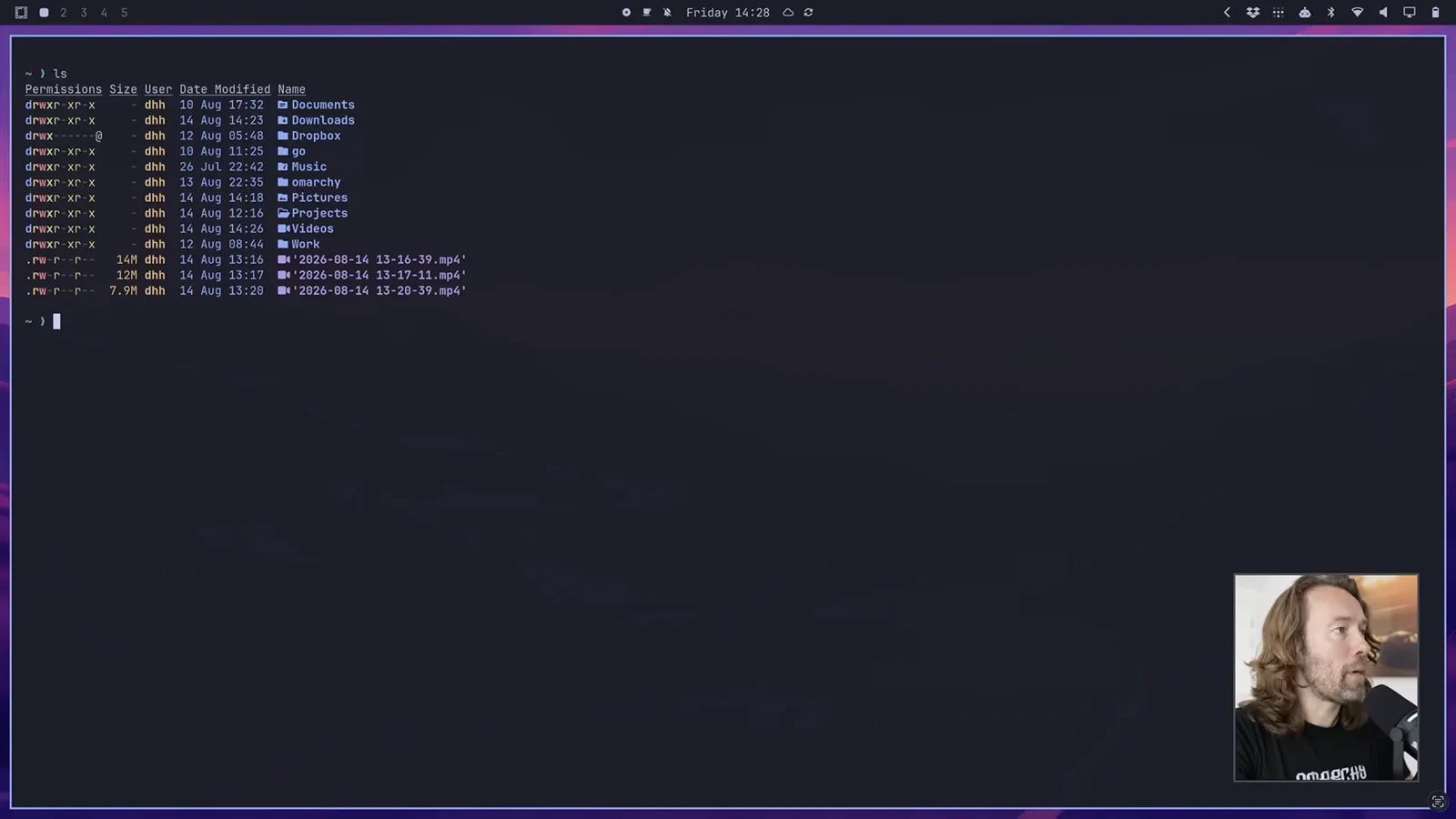
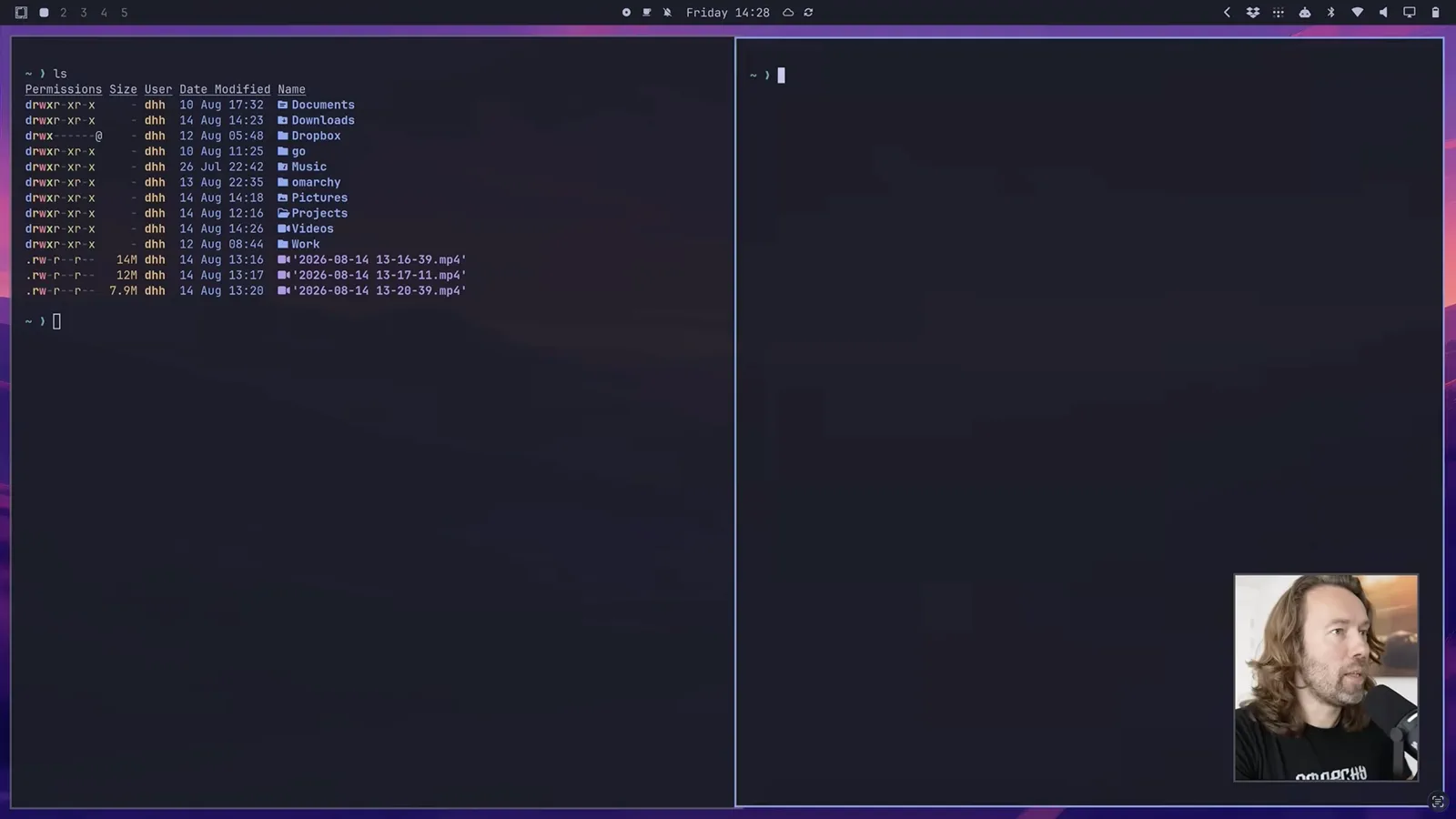
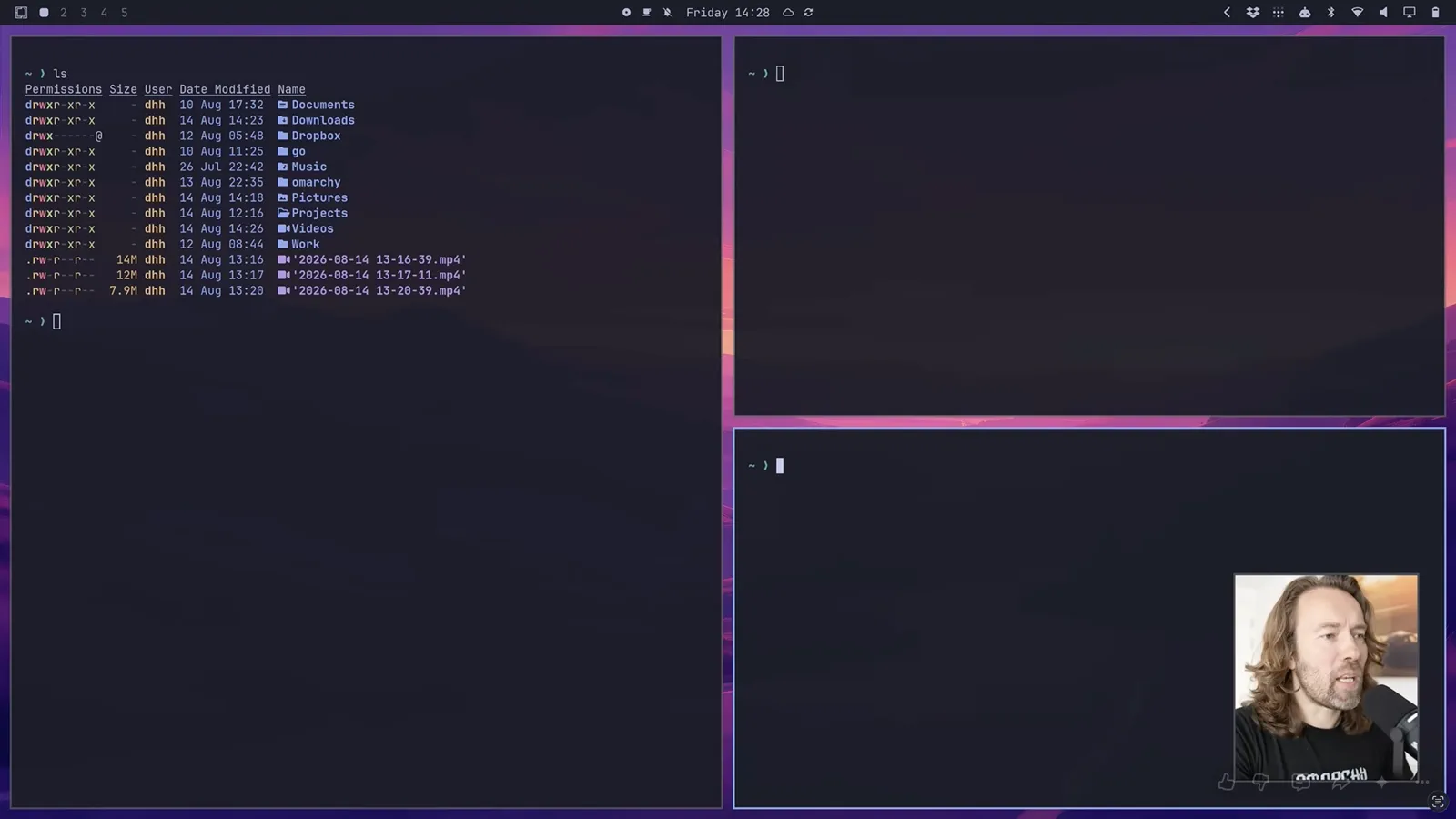
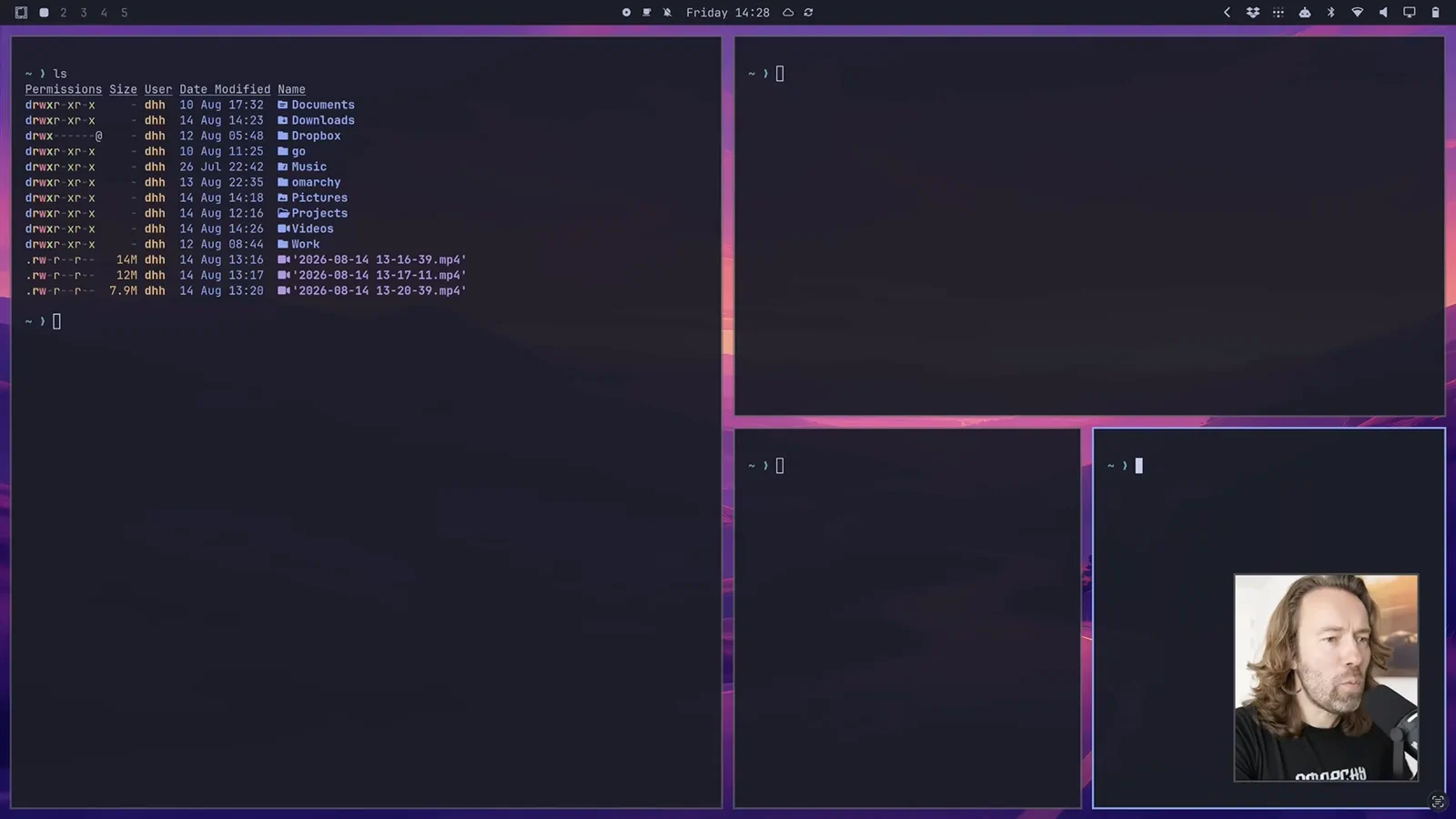
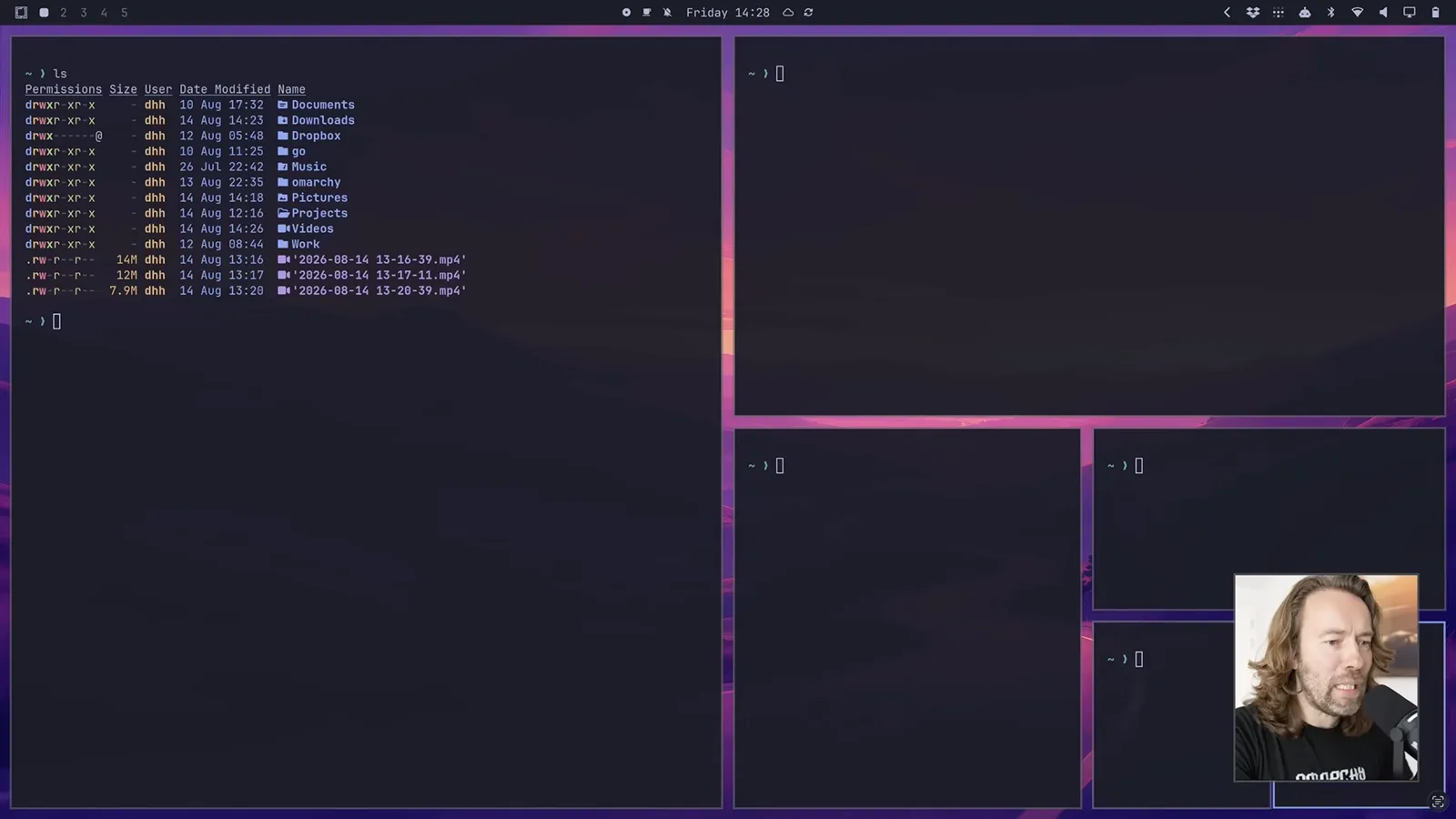
Software should yield to you
Change it with
a prompt.
“We need to get away from software that we can’t change with a prompt.”
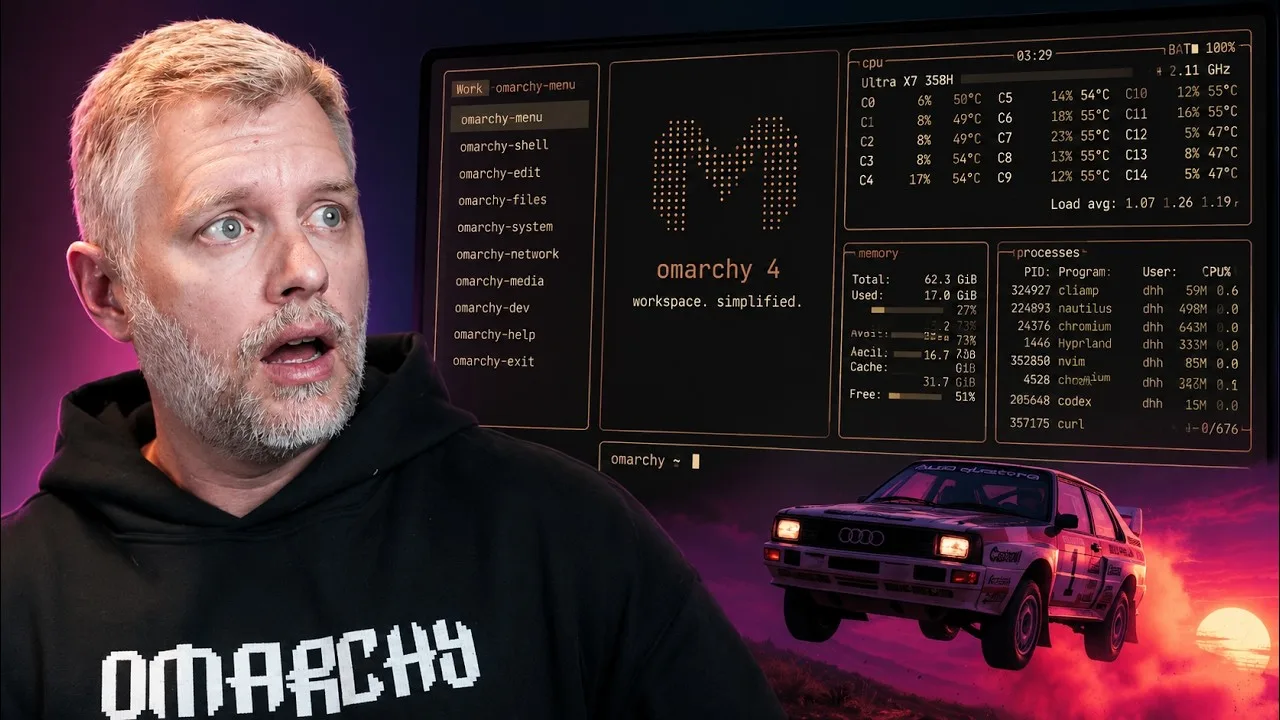
Omarchy gives you a complete system on day one. After that, the shell, shortcuts, applications, themes, and plain-text configuration are yours to inspect and change.
- 01AskName the result.
- 02InspectSee what changed.
- 03KeepCommit what works.
- 04RevertRestore the default.
- 01
Strong defaults
Install once. Start with the same complete system its makers use.
- 02
Keyboard mastery
Learn a compact grammar of Super keys, workspaces, and searchable commands.
- 03
Readable ownership
Inspect, version, or reset the plain-text configuration you own.
Describe the change.
Tell the agent what you want in plain language.
next ↓“Round the window corners.”
Review the work.
See the local file diff and visible result together.
next ↓~/.config/hypr/hyprland.conf
decoration {
  rounding = 014
}Choose what stays.
Keep the override or restore Omarchy’s default.
- KeepUse the local override.The change remains yours.
- RevertRestore the shipped default.Return to known-good state.
Choose one palette
Change
every surface.
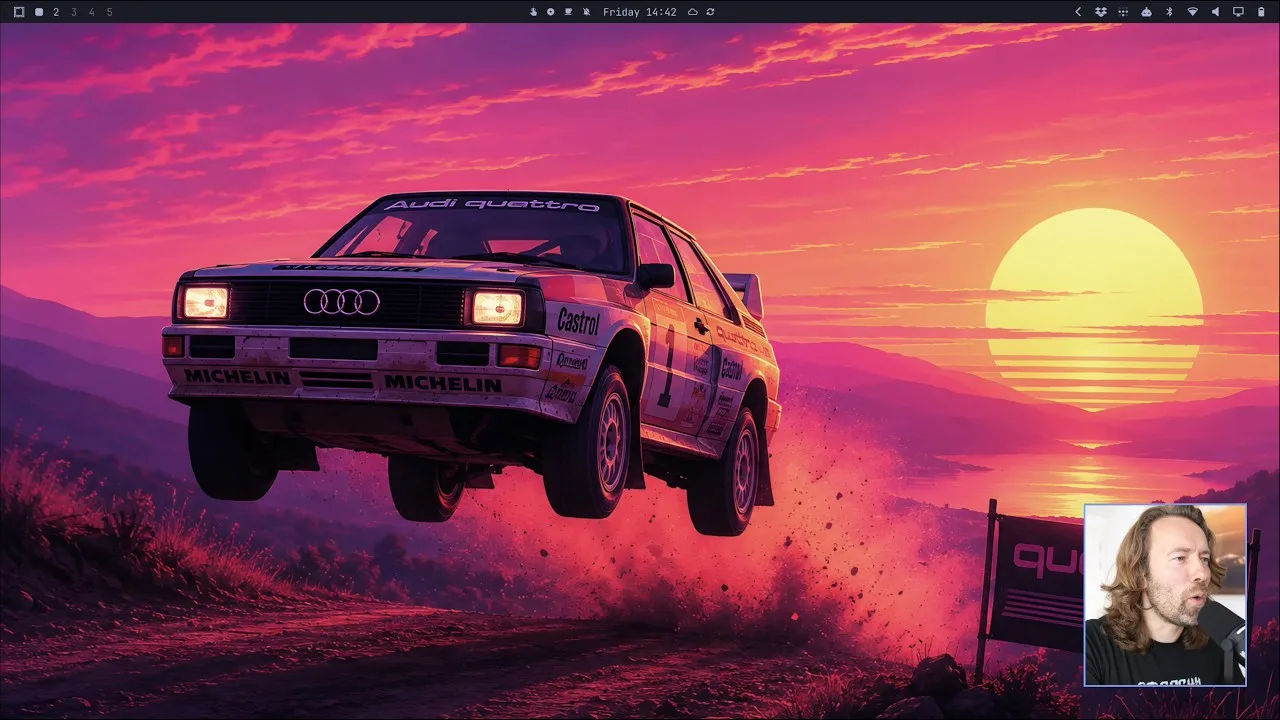
Pick a theme once. Omarchy carries its semantic palette through the bar, terminal, editor, browser, menus, lock screen, and wallpaper. This is a system mode, not a wallpaper swap.
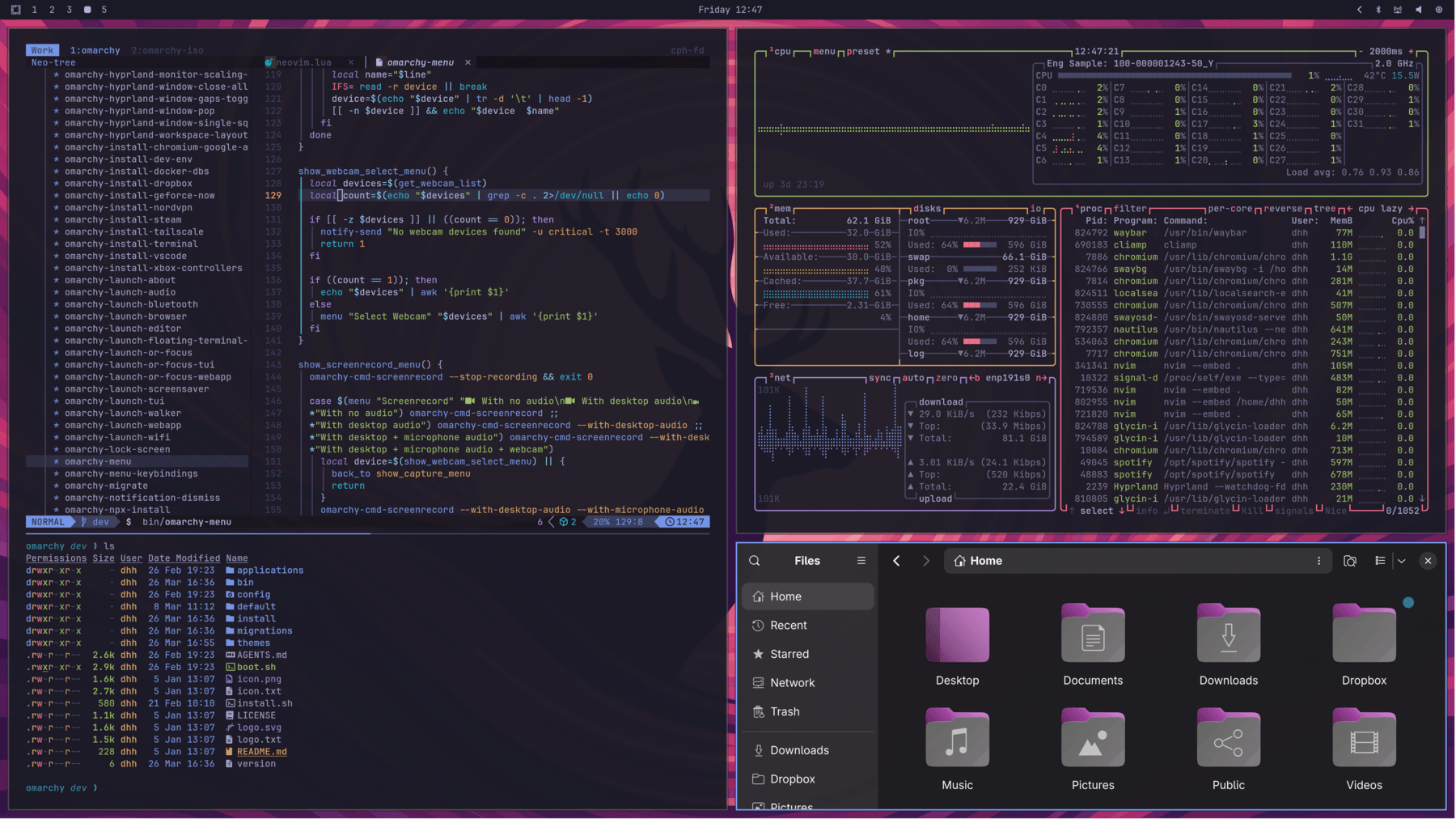
Theme in use: Tokyo Night
Browse every themeThe official plugin repository
Install what’s
missing.
Install a radio, AirPods controls, a calendar, or a tiny companion for your bar. If your computer still lacks something, build the missing plugin.
Browse pluginsEach one exists because somebody wanted their computer to do one more thing.
- Radio Atlasmusic without borders
- Omagotchia companion in your bar
- OmapodsAirPods, made native
- Caldiryour next event at a glance
Keep your partitions
Try Omarchy before installing it.
Run a hardware-accelerated Omarchy desktop in a window on Apple Silicon or Windows 11. Test the shell, themes, screensavers, and keyboard flow on the computer you already own.
Independent community projects; not official Omarchy distributions.Watch Omarchy in motion
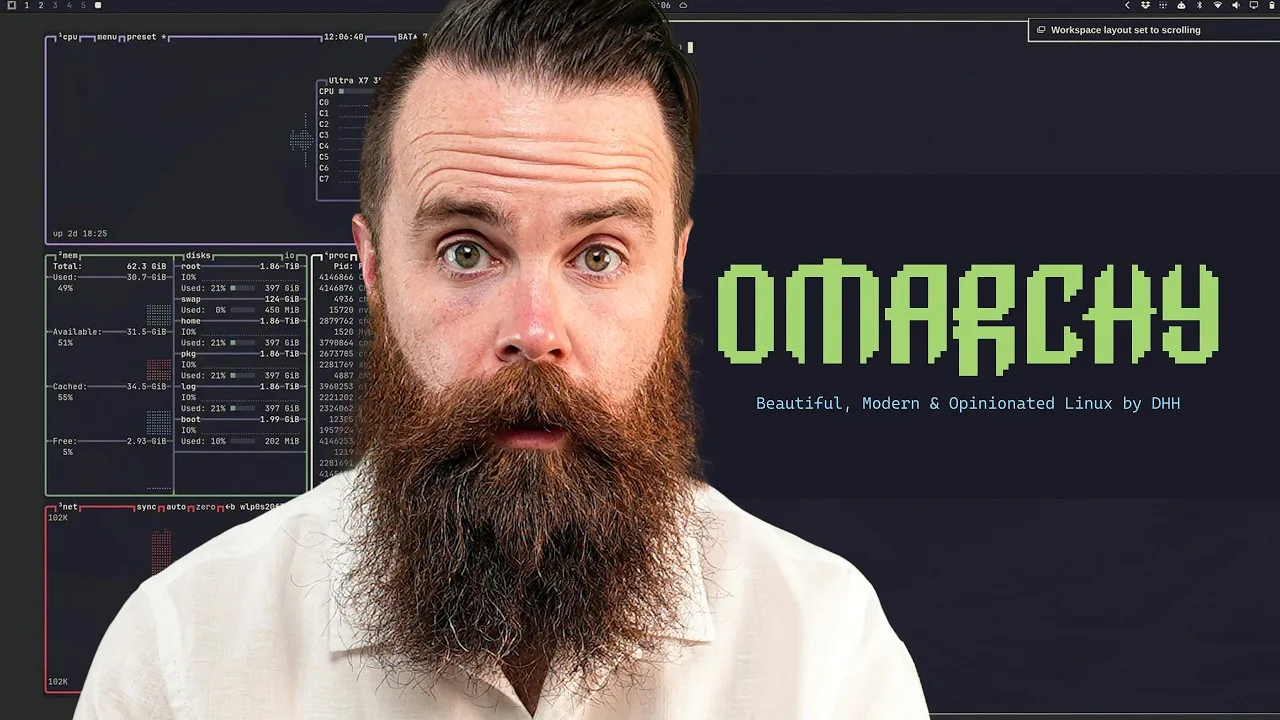
See why they switched.
One menu for the whole project